
Start with the right kind of spreadsheet
A useful Hipobuy spreadsheet is a way to narrow down product choices, not a substitute for a seller's live listing. It should help you see a product image, a category, a price and a direct route back to the exact item. That is the purpose of this directory. Its product cards are a dated snapshot of listings in the linked catalog. They are not inventory records and they are not a promise that a seller still has a particular size or colour. The difference matters most when a product has several versions under one familiar name.
The official Hipobuy home page describes a shopping-agent workflow: paste a product link, have the agent purchase it, wait for the seller to send it to the warehouse, inspect the arrival and then combine items for international transport. Hipobuy also offers a search field for a product link, name or order number. Those are platform functions. This independent sheet focuses on the earlier task: choosing the correct item and carrying its original link forward without losing track of the version you meant to buy.
A five-field record prevents most mix-ups
Before you leave a spreadsheet card, make a small record with five fields: the product URL, the seller or marketplace shown on the destination, the exact variant, the displayed price and the date you checked it. A title such as “black running shoes” is not a reliable identifier. The same name can cover different silhouettes, materials, colours or sellers. A numbered product URL is more useful, but even a URL can be updated by a seller, so keep a screenshot of the selected variant when the choice is important.
Our sheet shows the first image and USD amount that were displayed in the linked catalog when the snapshot was collected. Open the product card to confirm both against the live product page. If the live title, first photo or variant list differs, trust the live page for the purchase decision and investigate before ordering. Do not silently replace an unavailable product with a visually similar one. A mismatch is information: it may mean the seller edited a listing, a variation changed, or the snapshot needs refreshing.
Browse broadly, then verify narrowly
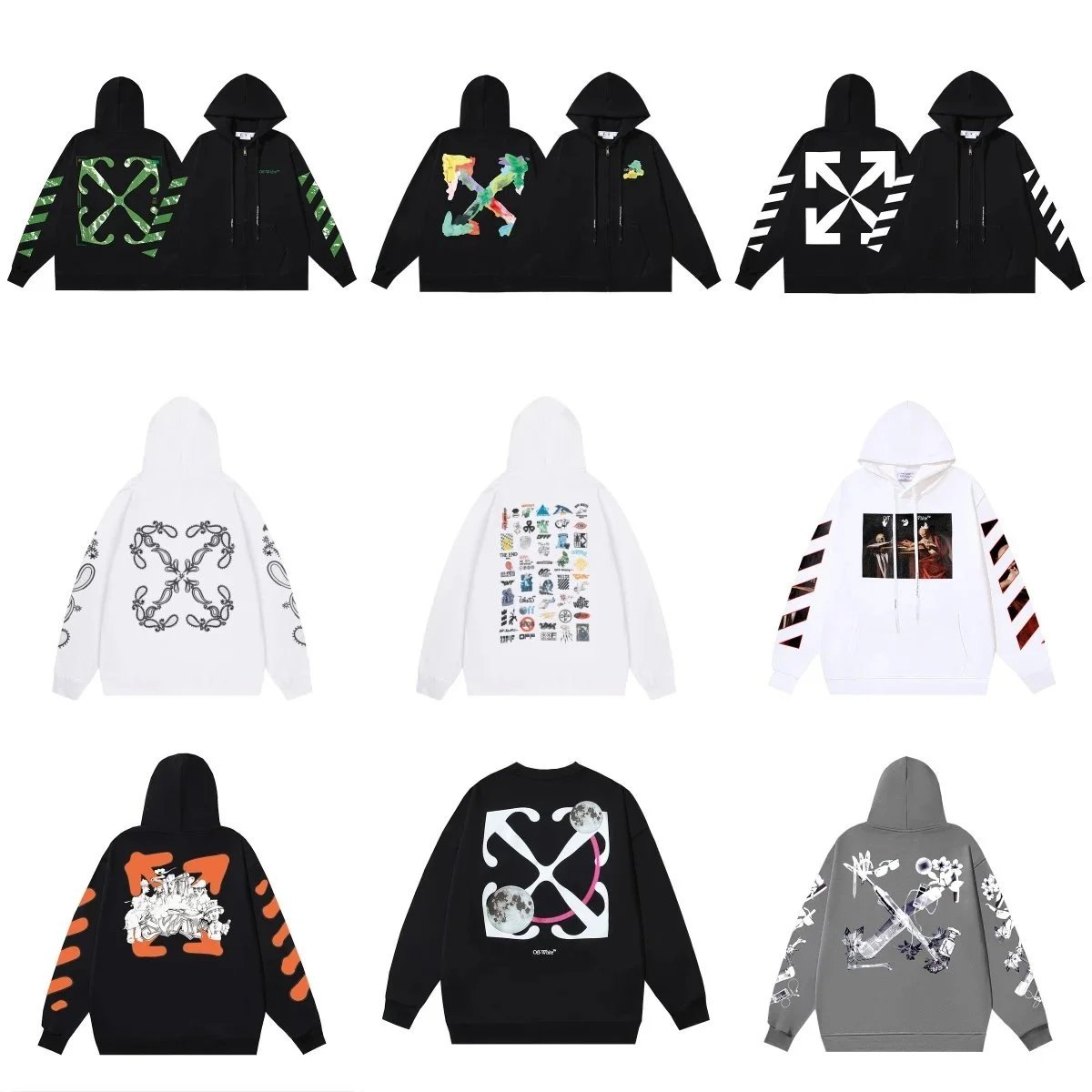
Start with one category rather than a large pile of saved links. For shoes, compare the outline, sole and listed size range first. For a hoodie, compare cut, fabric description and the size chart. For a jersey, check the season or edition, printing options and the photos of the exact version. These checks do not establish product quality; they reduce the risk of ordering the wrong option. Once a candidate looks plausible, leave the sheet and inspect its destination page in full.
Read product options before you copy a link into a shopping agent. A single URL may contain multiple colours, sizes, versions or seller-defined labels. Record your choice exactly as shown. If the listing offers no size chart, treat that as an unanswered buying question rather than guessing from a product photograph. If you are buying for someone else, record the measurements that matter to that person; a nominal size label alone is rarely a precise fit specification.
Price is another comparison field, not the complete cost. The catalog snapshot uses USD, while a seller or agent may present a different currency or rate at checkout. Hipobuy's official Service & Fees page separates the product price and domestic delivery to its warehouse from international shipping and customs-related charges. Optional paid services and a return request may have their own conditions. A lower sheet price therefore does not automatically mean a lower delivered price. The correct comparison is the same variant, checked on the same day, with the relevant delivery costs included.
Keep the seller listing and the agent order aligned
Hipobuy's home page says the agent can purchase goods from different sellers and receive them at its warehouse. In practice, your order instructions should make the connection between the seller's product and your intended variant unambiguous. Check the pasted link after it resolves in the agent interface. Compare the image, available options and price with the original product page. If a link redirects, an option disappears or the agent shows a different item, pause. Returning to the original source is quicker than trying to correct a wrong purchase after it has reached the warehouse.
Do not confuse an agent's order number with the original marketplace listing. They answer different questions. The listing identifies what the seller offers; the agent order tracks the service request. Save both, together with the exact size or colour. This also makes an after-sales request easier to explain if the seller ships something different. An organised folder of links and screenshots is more useful than a spreadsheet containing thousands of unlabeled products.
The warehouse is a second checkpoint
The listing image shows what was advertised. Warehouse QC photos show the particular item received by the agent. Hipobuy's official site says it inspects goods after they arrive and provides inspection results. This does not mean that a listing image on an independent spreadsheet is itself a QC photo, or that every possible fault has been detected. Compare the received item's overall form, visible labels, measurements and obvious defects with the variant you ordered. If the images lack a critical angle, ask for a closer view through the service handling your order.
Timing matters here. Hipobuy's official order-status guide describes “Arrived” as waiting for inspection and “Stored” as warehoused with 90 days of free storage. Its returns policy says a return request for eligible products generally must be made within five days after the status becomes warehoused; eligibility depends on the seller's offer and the item's condition. Do not confuse the storage period with a return period. Inspect promptly and check the current policy and order status before deciding whether to keep, return or ship an item.
A short decision example
Imagine two shoe cards with similar names. Card A has the colour you want in its first image, but the live page no longer offers your size. Card B offers the size, but its seller uses several visually similar versions. Neither card is yet a purchase decision. Eliminate A because the required variant is unavailable; inspect B's version options and measurements; then save B's exact link and selected option. After the warehouse arrival, compare the actual pair against that selection. This sequence takes more effort than clicking a thumbnail, but it addresses the specific points where a spreadsheet can mislead you.
When comparing alternatives, avoid invented labels such as “verified seller” unless someone has actually checked recent orders and can show the method. A photo, a listed price and a working URL prove only that a listing was visible at the time you checked. They do not prove stock, material, authenticity, durability or successful delivery. Describe uncertainty honestly, and the sheet remains useful when listings change.
What to save before shipping
Keep the listing URL, variant screenshot, agent order number, warehouse photo set and final parcel quote together. Then look at your basket as a whole. Hipobuy states that products in the warehouse can be combined into a parcel and sent through a selected logistics provider. Combining items may change the parcel's weight, dimensions and available routes. Use the shipping estimate as a planning tool, then check the quote after packing rather than treating the product-card price as a delivered price.
The best spreadsheet is the one that preserves an auditable path from the thumbnail to the live seller listing, through the agent order, to the warehouse item and parcel. You do not need an exaggerated item count or a promise that every product is “best.” You need a repeatable way to identify the right product, recognise a changed listing and make the next decision with evidence.
Source note: The agent workflow, inspection and consolidation are described on Hipobuy's official home page; fee categories appear in its Service & Fees notice; the storage and order-state terms appear in its Order Status Display notice; return eligibility and timing appear in its Returns and Refunds notice. Reviewed 23 September 2026. Policies and live listings can change.